 Send invoice
Invoicing
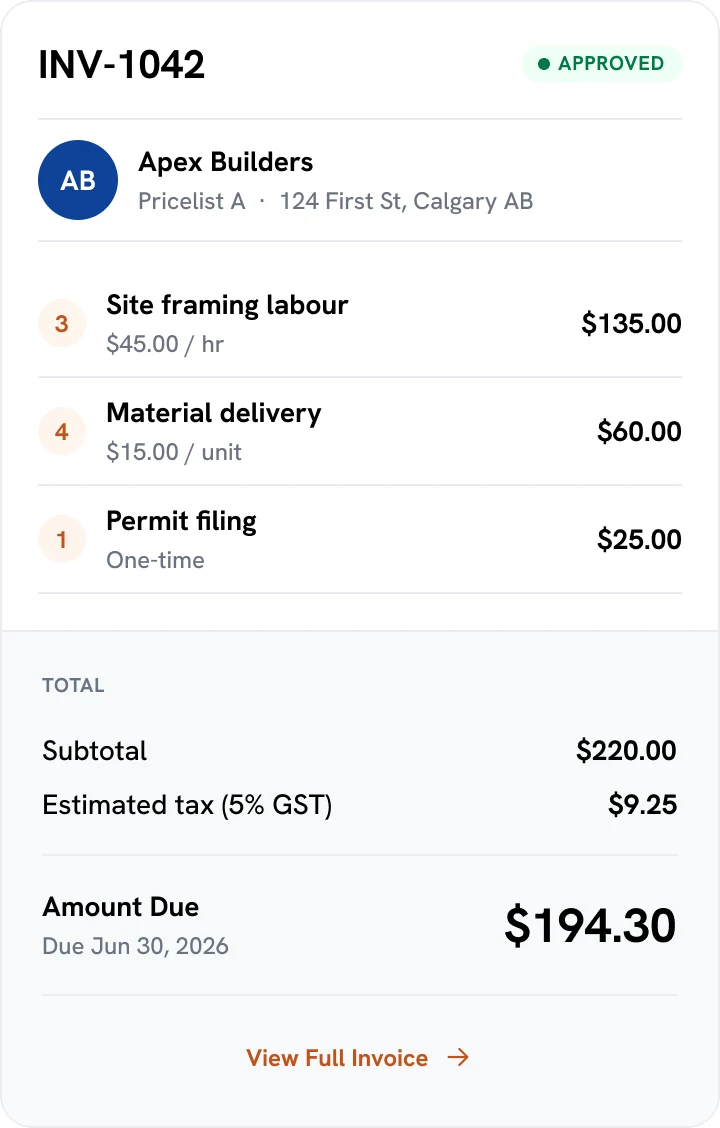
Create branded invoices with ease.
Learn moreBring project, time and billing information together so your team spends less time preparing invoices and more time getting paid.

01
Hours, project details and approvals are scattered across different people and systems.
02
Moving information between timesheets, spreadsheets, invoicing and accounting creates unnecessary work and opportunities for errors.
03
Every manual handoff adds another potential delay between completing the work and getting the invoice out.
iQ brings your project, time and billing information together on one platform, reducing manual entry and making it easier to create accurate invoices and keep revenue moving.
Invoicing in iQ starts from the quotes, projects and timesheets you already have, so every invoice is most of the way done before you open it.

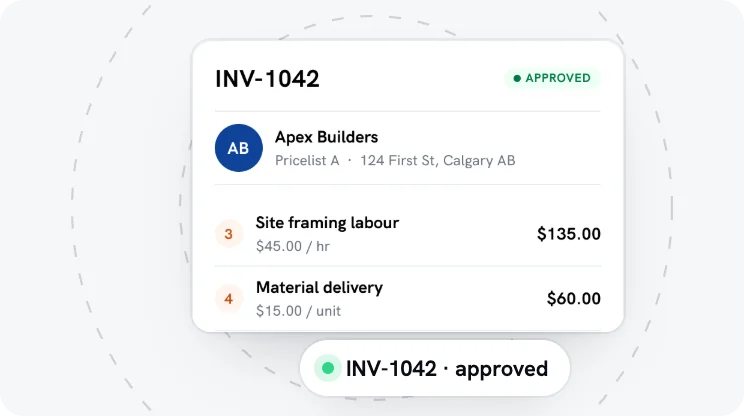
Create and customize invoices with your company logo, then edit and track them all in one place.

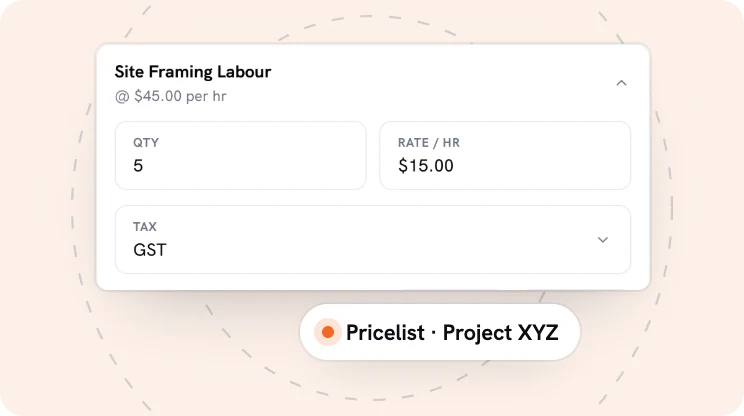
Pull from established price lists and quote information to simplify invoice creation and improve consistency.

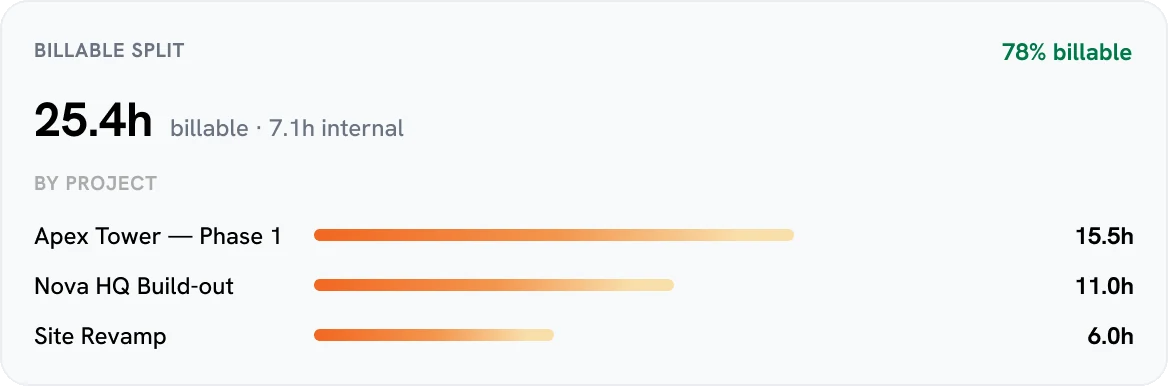
Turn approved billable employee or contractor time into customer invoices without re-entering hours.
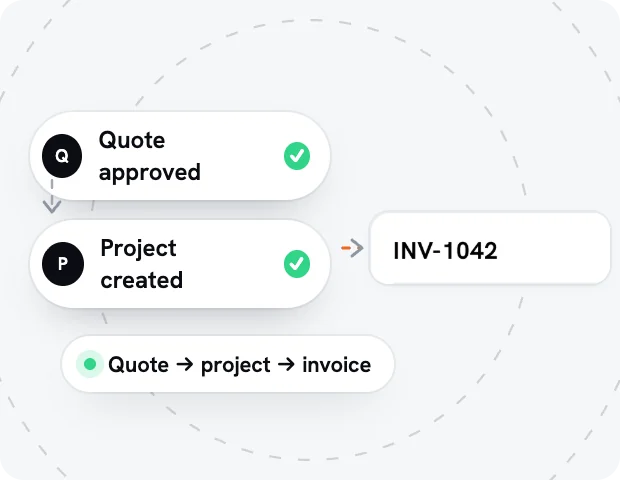
Carry information from an approved quote through the project and into customer billing.
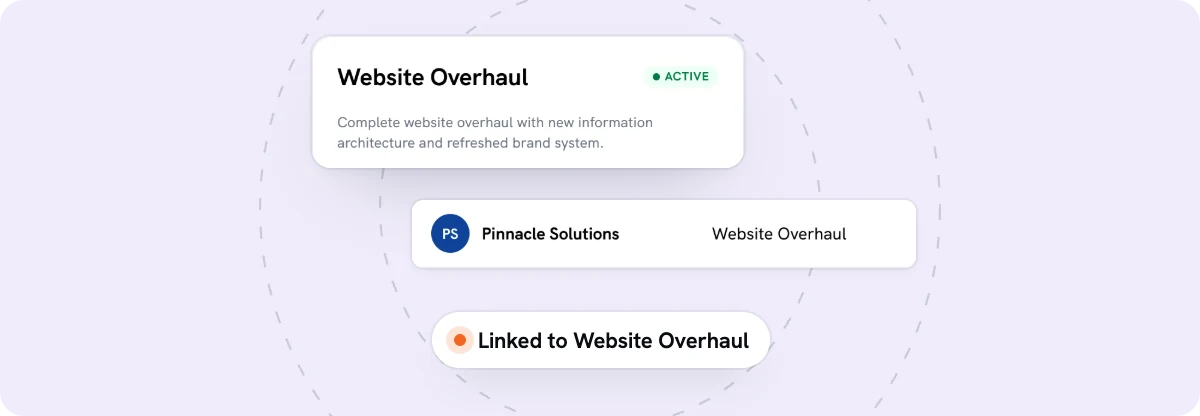
Connect invoices directly to projects so billing stays tied to the work being performed.
Sync invoice information with project costs and other financial data for a clearer view of revenue and project profitability.
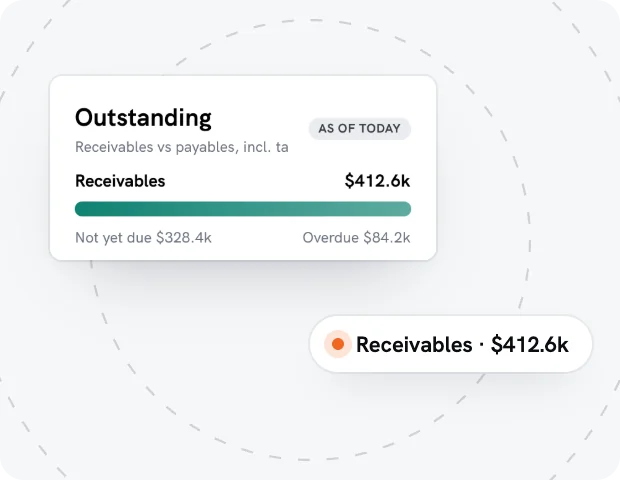
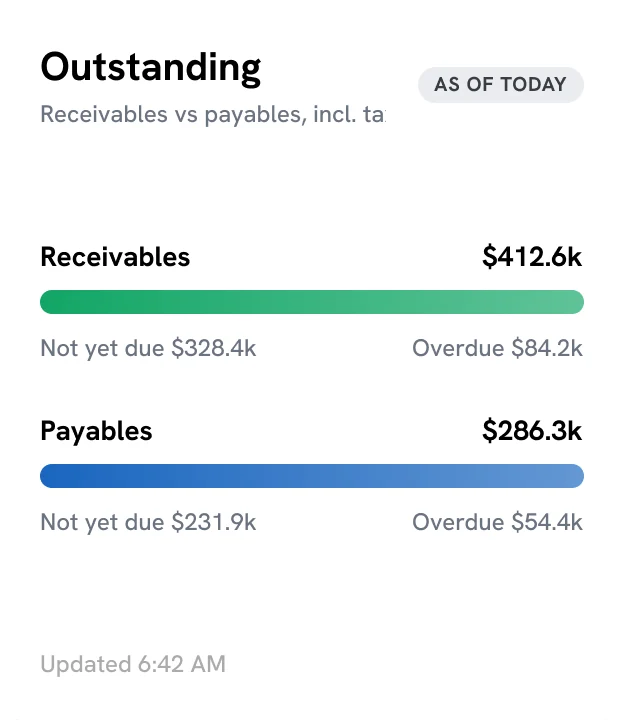
Keep invoices and vendor information organized, with clear visibility into spending, project costs and outstanding payables.
Bring project, time and billing information together so your team spends less time gathering data and preparing invoices.

Use project, customer, pricing and timesheet information already in iQ instead of entering the same information again.

Build invoices from connected project and time data, reducing errors caused by manually transferring information between systems.

Keep invoices tied to the projects generating the revenue for a clearer picture of costs, revenue and profitability.
Seamlessly sync customer invoices from iQommerce to QuickBooks, including customer names, addresses and project details.
Built-in conflict resolution helps identify and resolve missing or mismatched information, while customizable permissions control who can update records in QuickBooks.



Every module reads the same record, so a quote becomes a project, the hours become an invoice and the numbers stay right from first estimate to final payment. Pick a module to see how it works.
Send invoiceCreate branded invoices with ease.
Learn more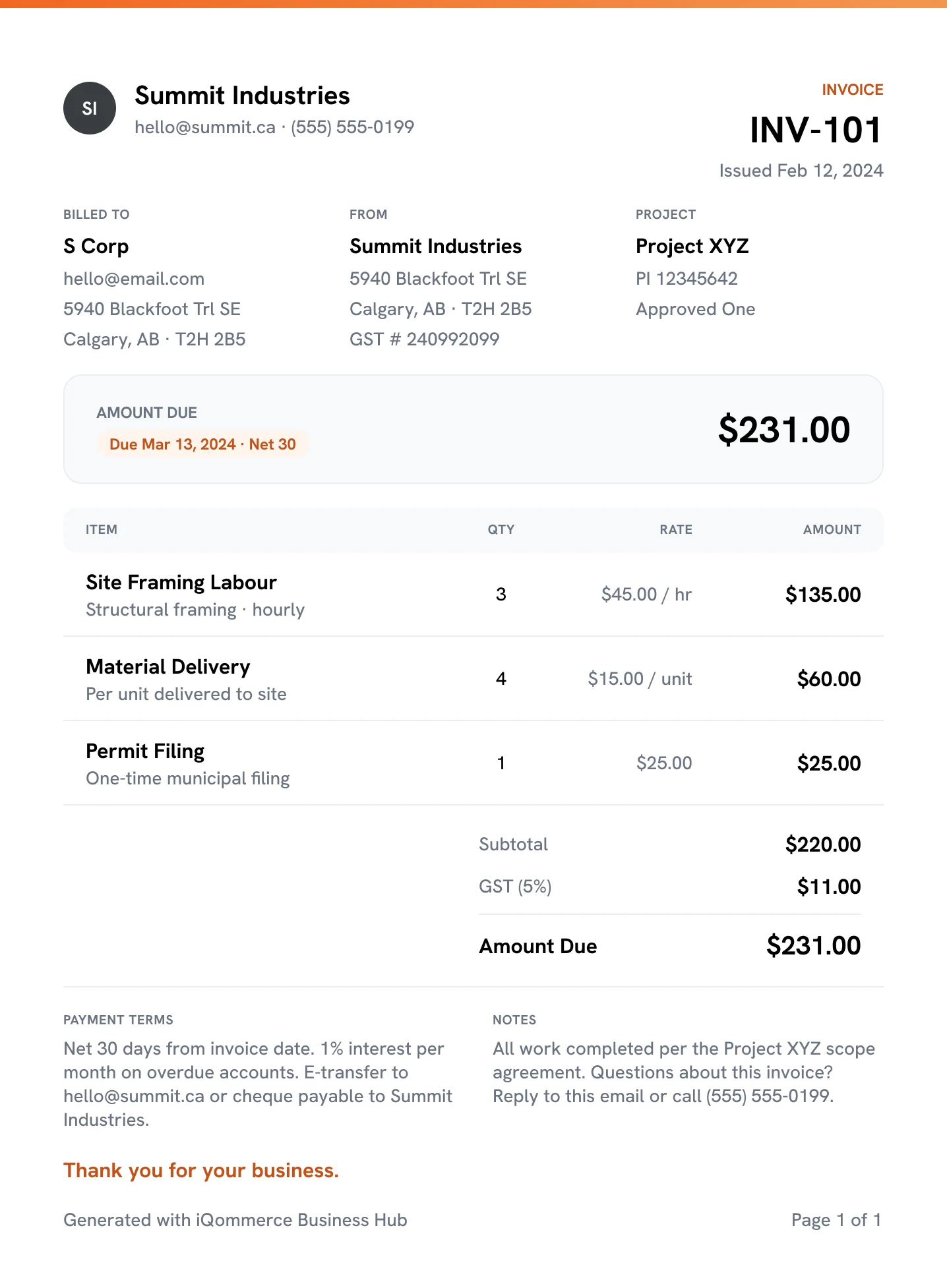
 Captured by IDP · 3 fields verified
Automate invoice capture and approvals.
Learn more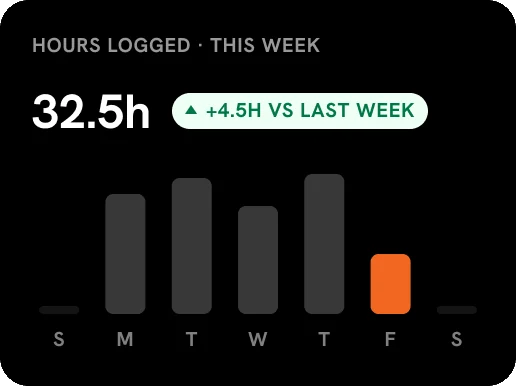

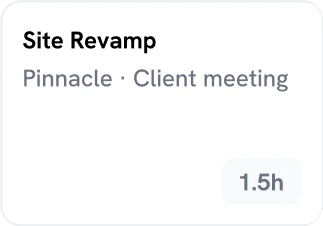

Turn tracked hours into invoices faster.
Learn more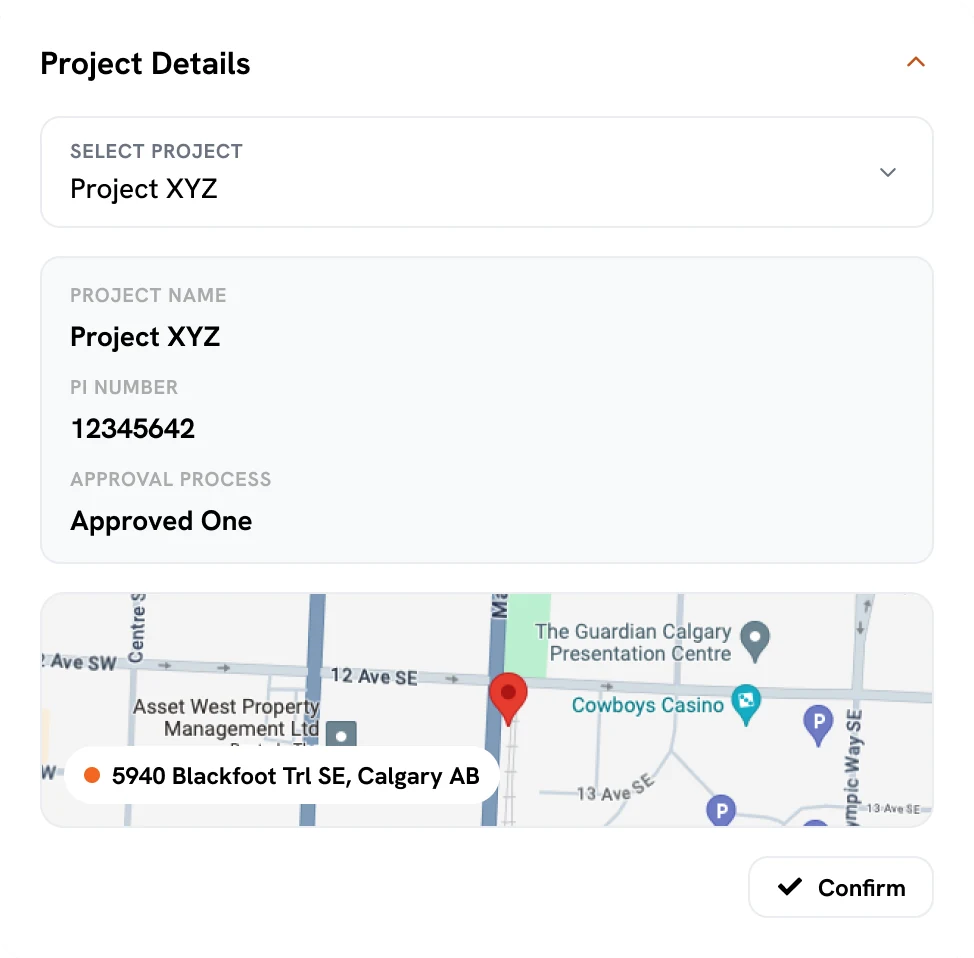
 On budget · $12,480 of $19,580
Keep projects, costs and revenue connected.
Learn more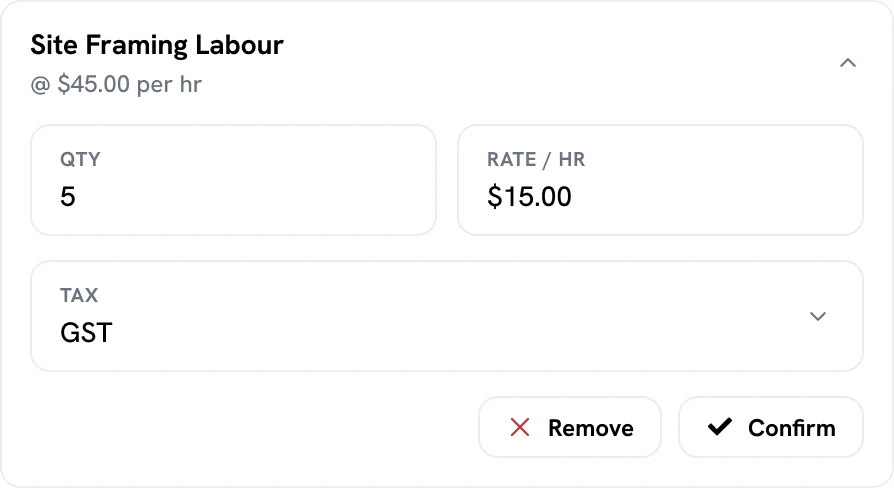
 Q-0231 · $19,580.40 · sent
Create reusable price lists and professional quotes.
Learn more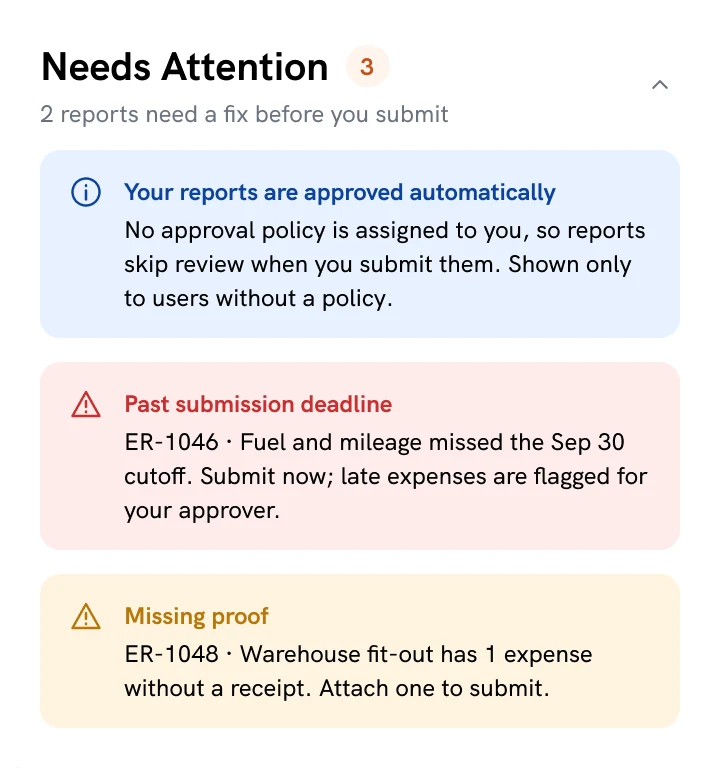 Approve
Streamline workflows with automated approvals.
Learn more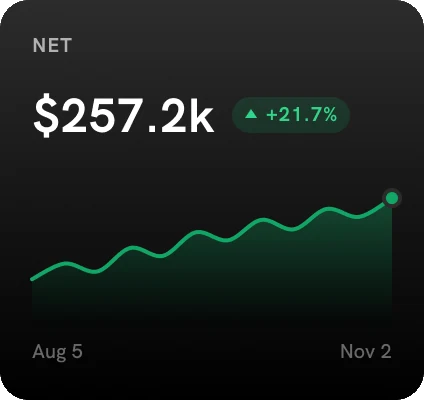
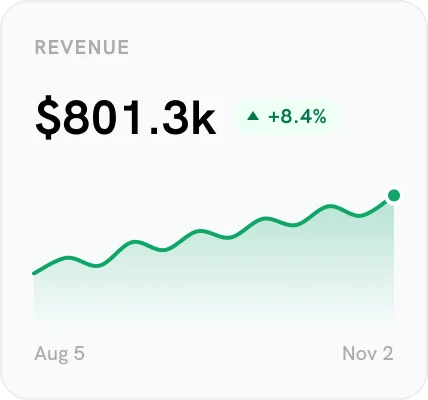
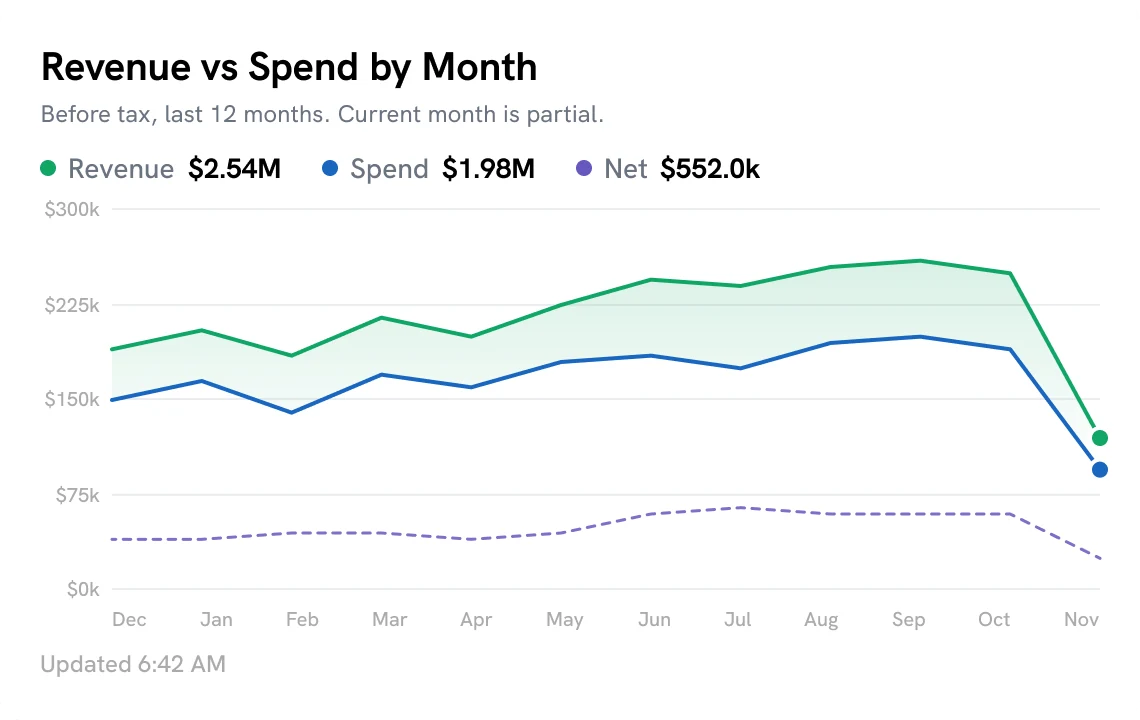
Track financial performance in real time.
Learn more

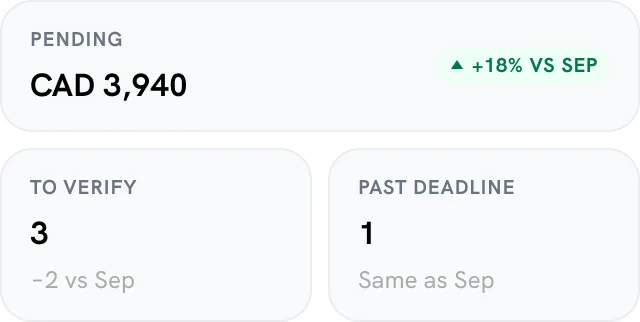

Capture receipts, verify them and get reimbursed without the paperwork.
Get early access
Simplify invoice creation, reduce manual entry and turn completed work into customer invoices faster. Book a demo with the iQ team.
How iQ connects timesheets, projects and customer billing to simplify invoicing and reduce manual work.
Still have questions?
Book a 30-minute call and see iQ in action.
Automated invoicing software simplifies the process of creating, managing and tracking customer invoices by reducing manual data entry and connecting billing information across your business. iQ brings project details, billable hours and customer information together to help you create accurate invoices with less administrative work.
iQommerce connects customer information, project details and billable time in one platform, reducing the need to gather information from multiple systems or re-enter data. This helps your team prepare invoices faster, minimize errors and spend less time on billing administration.
Yes. iQ connects approved timesheets to invoicing, making it easier to turn tracked billable hours into customer invoices without manually transferring time entries between systems.
Yes. iQ connects invoicing with project information, including billable time and related costs, to help businesses manage project-based billing and maintain clearer visibility into project revenue.
Yes. iQ supports customer invoice synchronization with QuickBooks, including customer information and project details. Built-in conflict resolution helps identify missing or mismatched information, while configurable permissions control who can update records in QuickBooks.
Yes. iQ supports professional, branded invoices, helping businesses maintain a consistent appearance across customer billing documents.
By connecting customer, project and timesheet information, iQ reduces repetitive data entry and manual transfers that can lead to mistakes, missing billable hours and inconsistent invoice details.
Yes. By reducing the time spent gathering billable hours, checking project information and preparing invoices, iQ helps businesses send invoices sooner and shorten the administrative process between completed work and billing.
Book a personalized demo to see how iQ connects timesheets, projects and customer billing to simplify invoicing and reduce manual work.